Trending models on Hugging Face via MCP
Overview
LMStudio is a platform very similar to Ollama. You can download LLM models and use them locally via LMStudio. In this post, we use LMStudio to have a Qwen model query the HuggingFace MCP server to find out the trending models.
Before writing a script to automate this, we will first try and get it working via a simple REST call. We will be using Bruno for this.
Setup
The high level flow we will have is:
REST Client (Bruno) -> LMStudio Local Server -> LLM -> HuggingFace MCP Sever
We’ll first test this manually via a REST client and then once things are working write a quick script that can make this call every X hours and send us a local notification.
Hugging Face Token
Create an account on HuggingFace and create an access token. Let’s call this HF-TOKEN
Setting up LMStudio
Make sure the settings on LMStudio are set appropriately. Here is a screenshot of the options that need to be turned on. After this you will have a local lmstudio server running on http://localhost:1234.
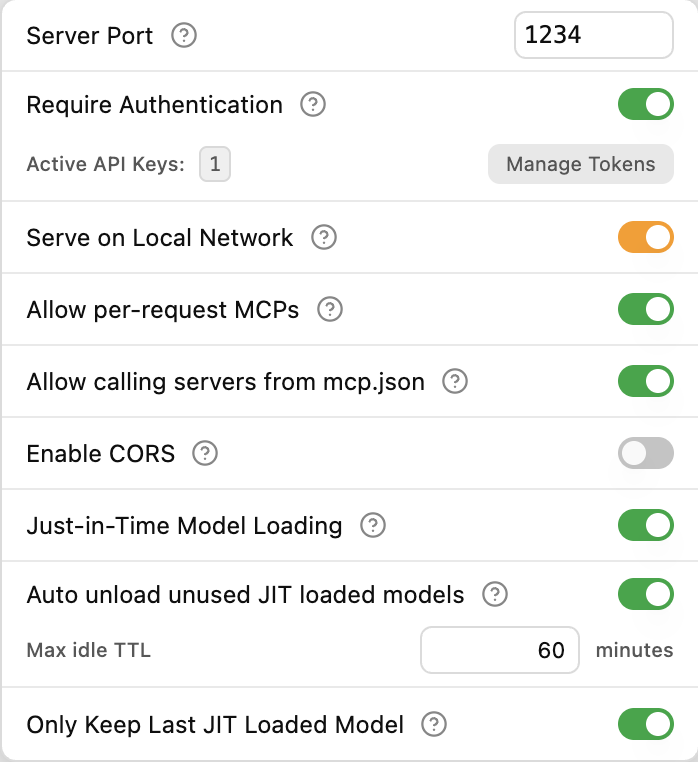
Create a lmstudio token as you will need it later when you make a call to your local server. Let’s call this LMSTUDIO-TOKEN
Download the qwen/qwen3-4b-thinking-2507 model within lmstudio. (you could just as easily use any other model you prefer)
Update your mcp.json file in lmstudio to look like this:
{
  "mcpServers": {
    "hf-mcp-server": {
      "url": "https://huggingface.co/mcp",
      "headers": {
        "Authorization": "Bearer <HF-TOKEN>"
      }
    }
  }
}
REST Client (Bruno)
Make a POST call to http://localhost:1234/api/v1/chat with the following payload:
{
  "model": "qwen/qwen3-4b-thinking-2507",
  "input": [
    {
      "type": "text",
      "content": "What is the top trending model on hugging face?"
    }
  ],
  "integrations": [
    {
      "type": "plugin",
      "id": "mcp/hf-mcp-server"
    }
  ],
  "context_length": 8000,
  "temperature": 0
}
NOTE: The LMSTUDIO-TOKEN should be added as a Bearer token in the Authorization header when making this call.
If all went well, you should get a 200 OK.
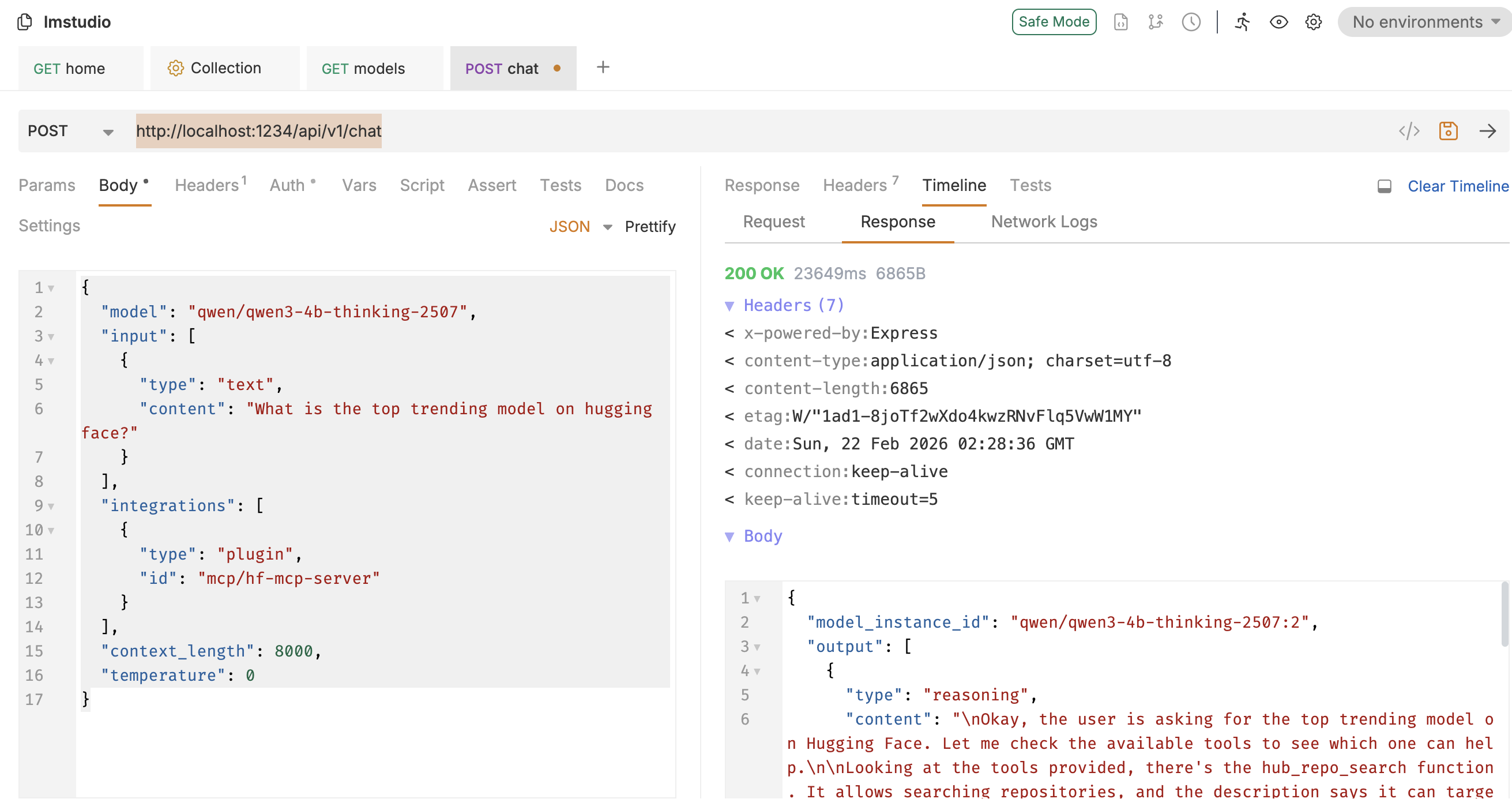
NOTE: There is one nuance here. The id specified in the POST call should be mcp/hf-mcp-server whereas the server key specified in the mcp.json is hf-mcp-server. This is just a nuance of lmstudio that is not clearly documented. Under the hood the local server seems to be stripping out the mcp/ part.
Once this worked, I just had claude code generate a script for me that would call the above url on a schedule every hour and send me a notification. Here is a notification I get:
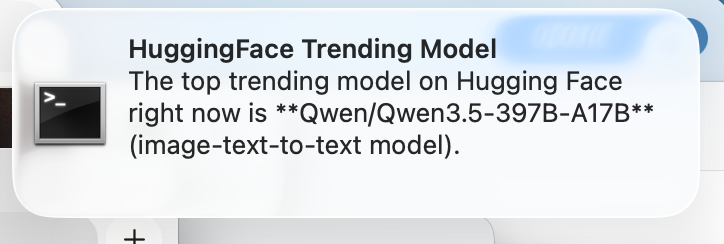
This would be an easy way to be notified about any trending model say once per day on HuggingFace automatically !