Running LLMs locally using Ollama
Overview
I typically use the free versions of ChatGPT / Claude on a day to day basis as an assistant. However, on many ocassions, I have run against the usage limits. Another thing that sometimes bothers me is that my entire chat history is available to these platform. So from a privacy standpoint, its a compromise you have to make.
To get around these, I tried out Ollama to run models locally.
How We Used AI
Follow instructions on their website as to how to install it. Once installed, you have to choose a model to run locally. I chose the gpt-oss:20b model.
Once done, you now have a LLM working 100% locally.
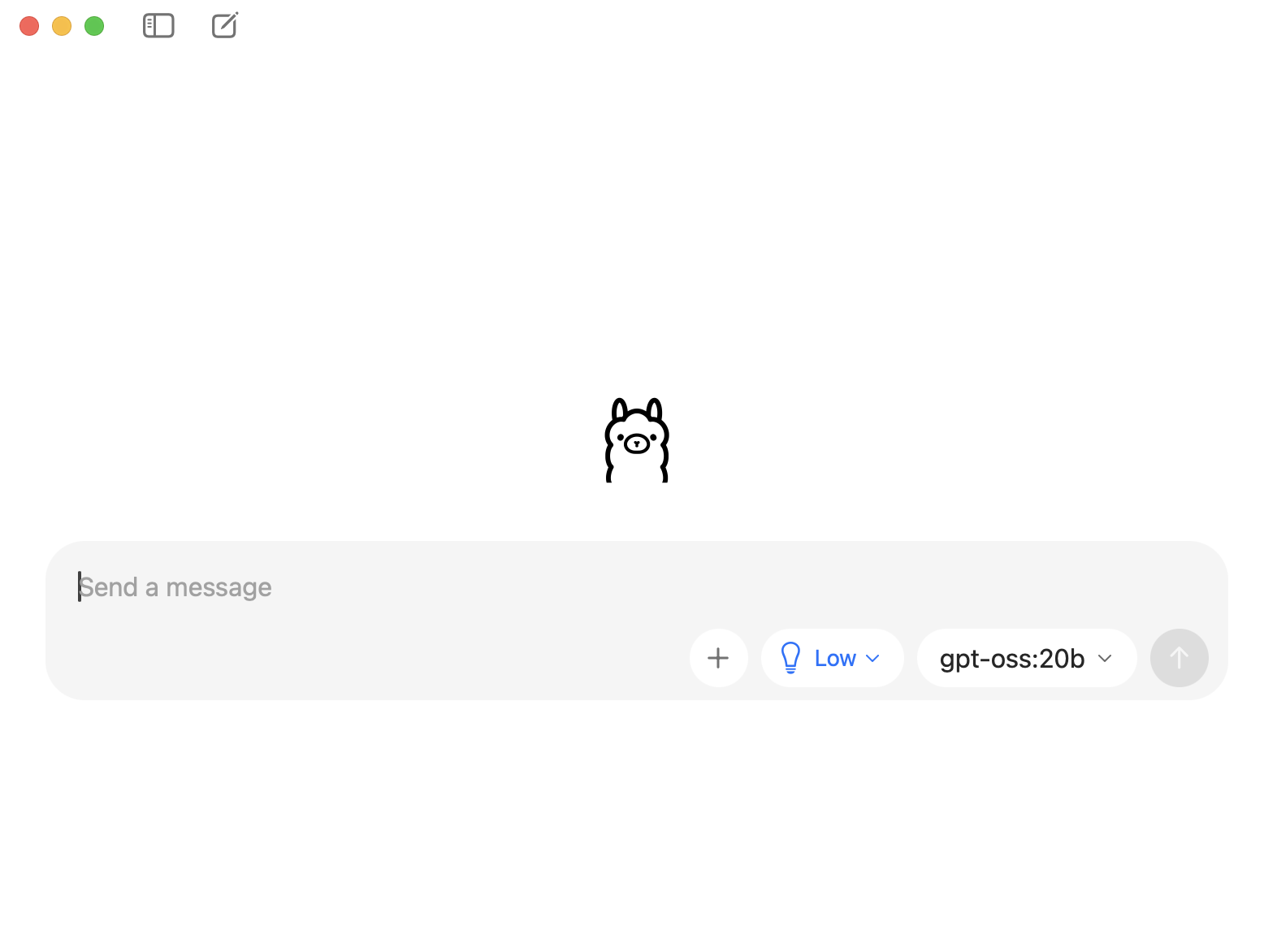
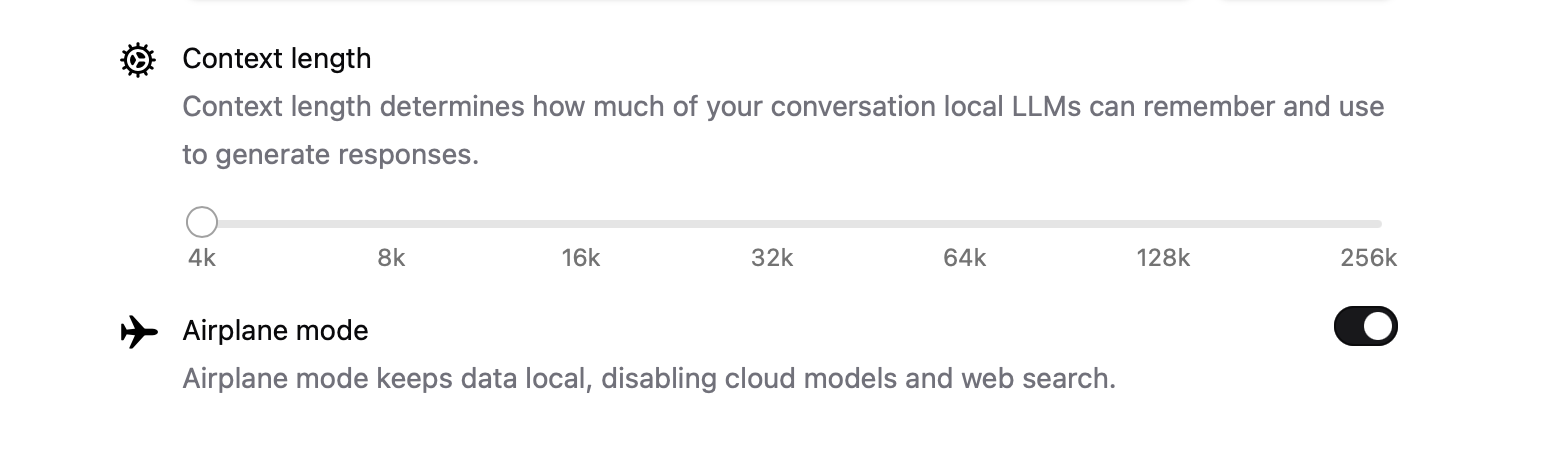
You can turn the privacy settings on such that it does not connect to the internet at all.
Key Takeaways
- It’s just as easy to use Ollama as ChatGPT, Claude etc
- When the model is loaded it consumes some memory. You can see details via the
ollama pscommand. But then after a few minutes it gets offloaded. - You don’t have to worry about usage limits
- Secure and private as data does not leave your computer
- The default context length is a bit small (at 4K), but you can increase it at the expense of using more memory
- There are a variety of models you can download for different use cases. Obviously you get only the open source ones or the ones you have the rights to use locally.
Conclusion
It’s a great way to have an LLM at your fingertips in an unlimited manner. This should be able to solve a lot of the simpler queries I have.